
A decade ago, tracking your games meant a Notepad file or a spreadsheet. Today you have HowLongToBeat, Backloggd, GG App, and a dozen others. Here's what actually matters when you're choosing.
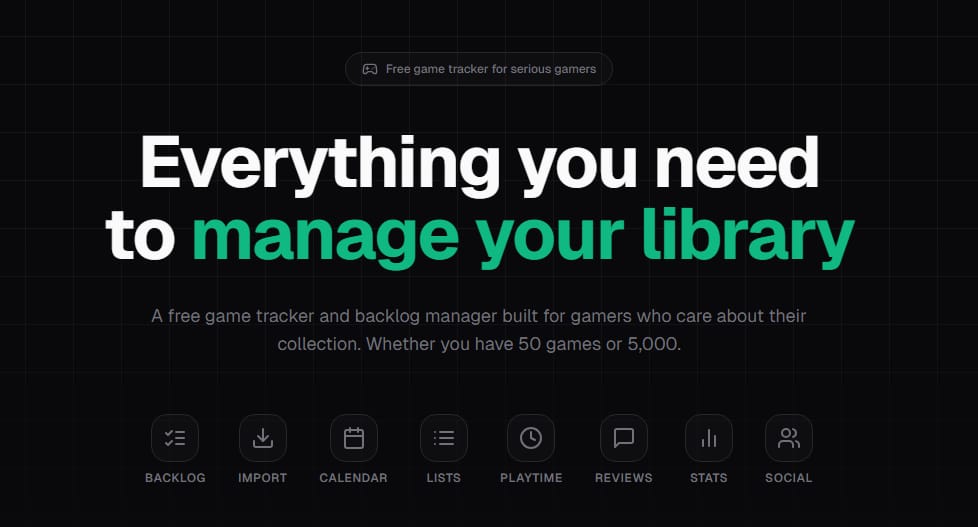
Does it have your games?
Any tracker lives or dies by its database. If it's missing half the indies you love or takes weeks to add new releases, you'll drift away. Look for integration with IGDB or similar—and check that recent releases show up quickly.
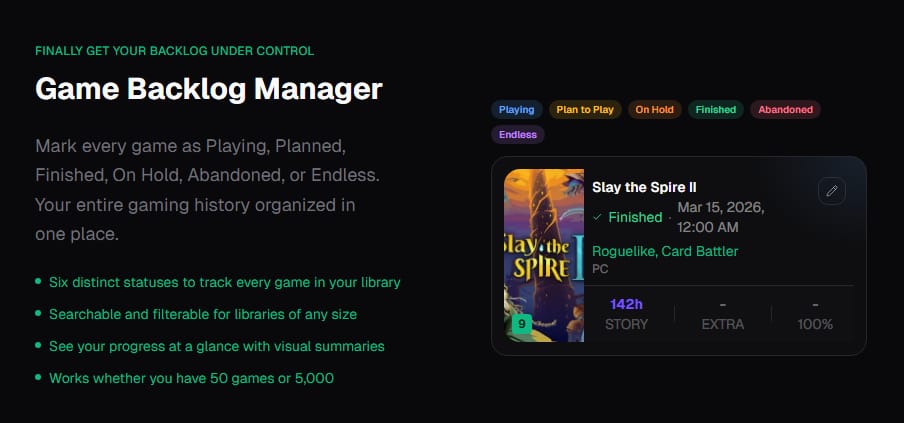
Can you get your data in without manual entry?
Adding 200 games by hand is a non-starter. Steam import is the baseline. The best tools pull your library in one click and let you set status (playing, completed, dropped) without opening fifteen tabs.
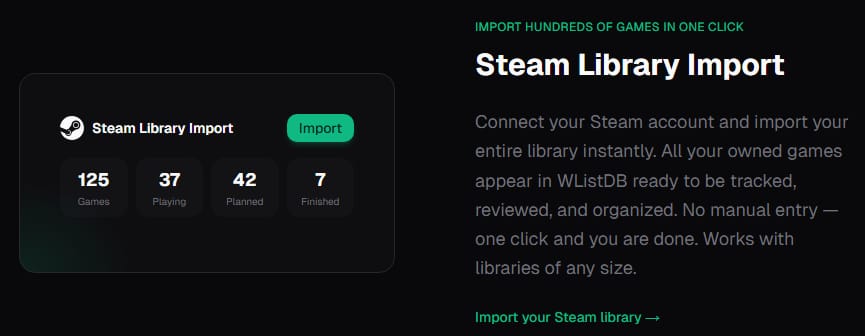
Does it help you choose what's next?
Lists and filters are nice. But the real question is: when you have two hours to game, does the tracker help you pick? Release calendars, "similar games," and backlog sorting by mood or length make the difference.
Does it remember the year?
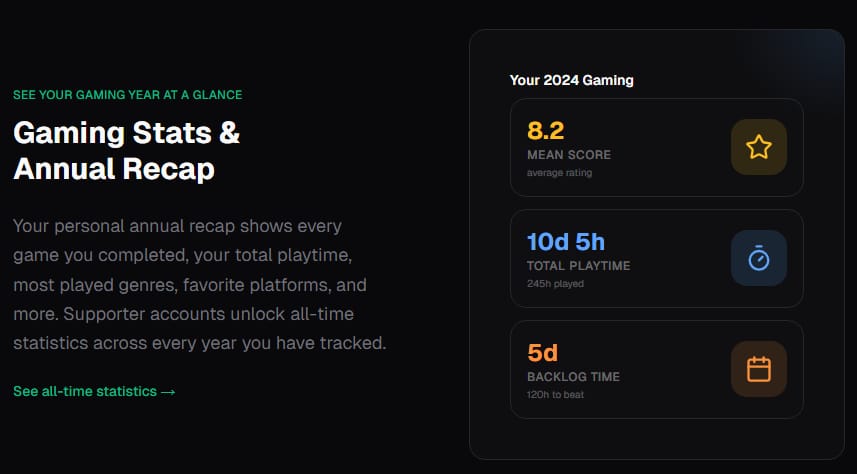
Annual recaps—games finished, hours played, top genres—turn tracking from a chore into a reward. If the tool doesn't surface that, you're missing the most satisfying part.
Start small
Pick one tracker. Import Steam. Add a few games from other platforms. Use it for a month. If it fades into the background instead of helping, try another. The right tool is the one you actually open.
Switching from HowLongToBeat? See our HowLongToBeat alternative with built-in backlog tracking and one-click Steam import.