
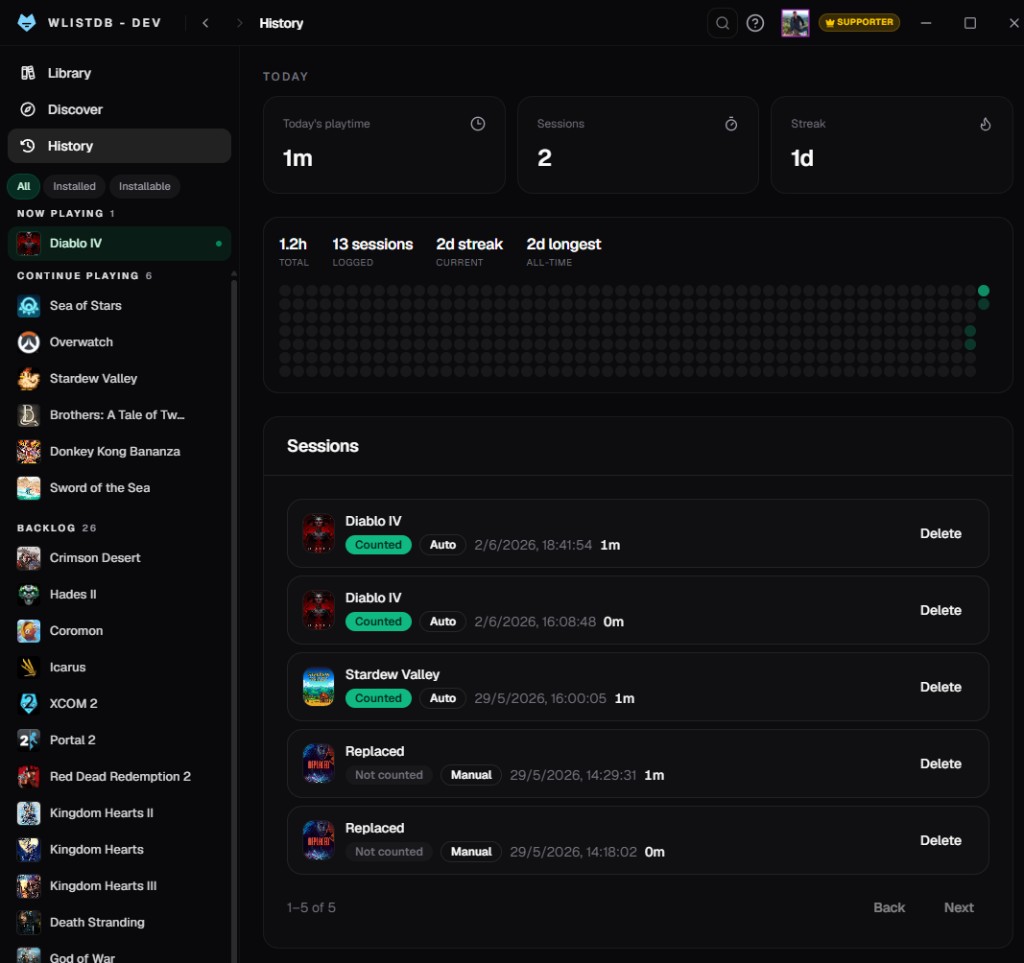
Tracks while you play
Auto-detects Steam, Epic, GOG, Battle.net, EA, Ubisoft & Xbox PC — no manual timers.
Automatic playtime tracking while you play. Sessions, runs, and progress flow straight into your WListDB account — no spreadsheets, no manual timers.
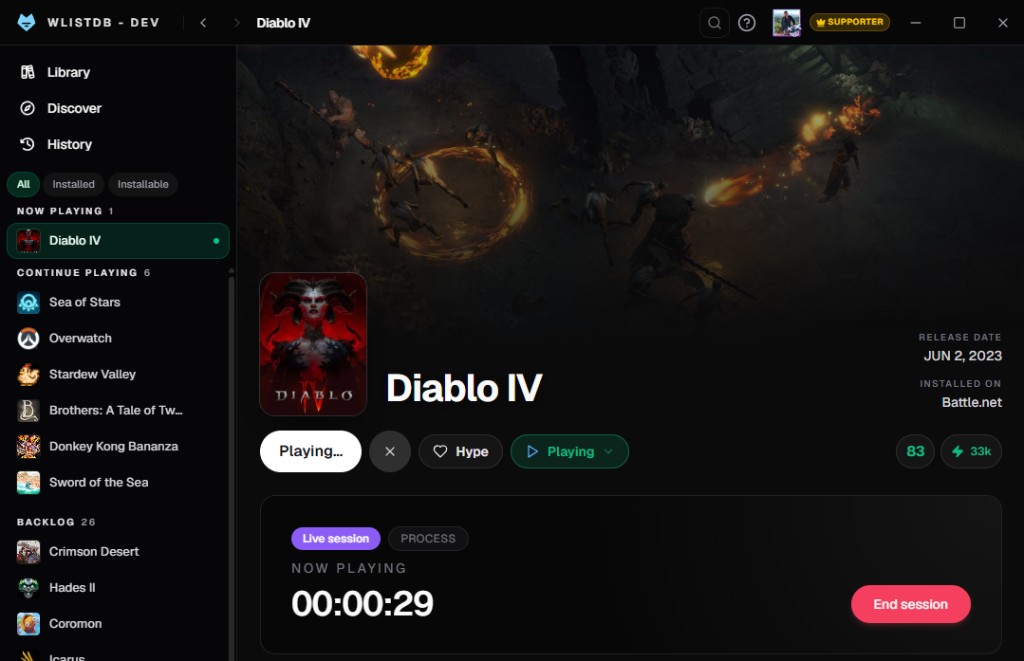
See it in action
WListDB Desktop logs your playtime automatically, organizes your backlog by status and keeps every run in sync with the web.
Auto-detects Steam, Epic, GOG, Battle.net, EA, Ubisoft & Xbox PC — no manual timers.
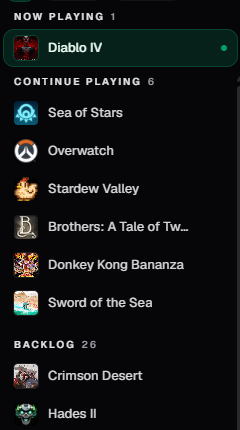
Playing · Backlog · On hold · Finished · Abandoned · Endless.
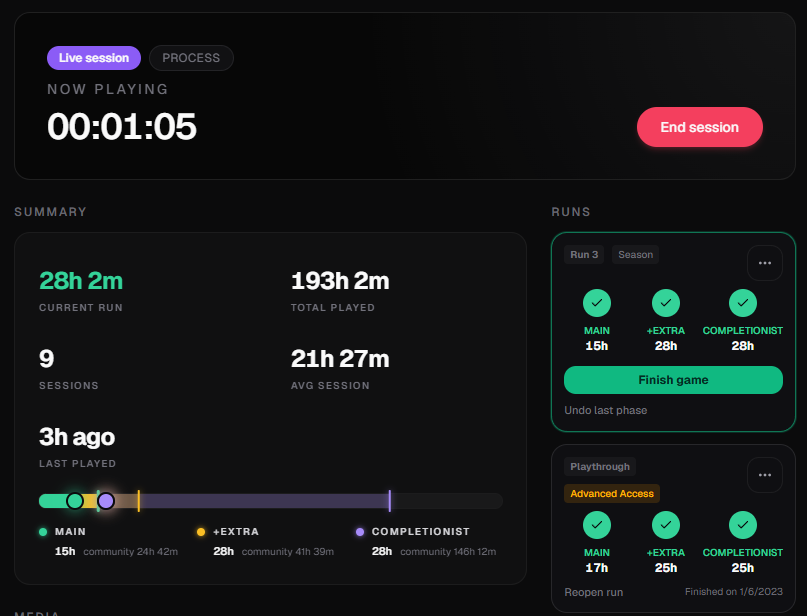
Main story, extras & completionist — synced to the web.
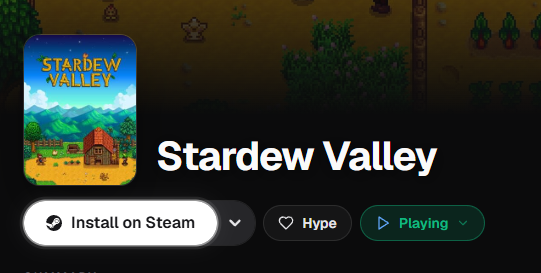
Open installed games from Steam, or start a manual timer for the rest.
Up and running in minutes
Download the installer and sign in with your WListDB account.
Launch a game from your library. WListDB detects it and tracks the session.
Close the game — playtime and progress appear on the web instantly.
That's completely normal for independent apps that aren't code-signed yet — it's not a virus alert, and WListDB is safe to install. Just click More info → Run anyway. A signed build is on the way to remove the prompt for good.